
How to Create Safer Passwords and Protect Your Accounts
October 26, 2026 · admin
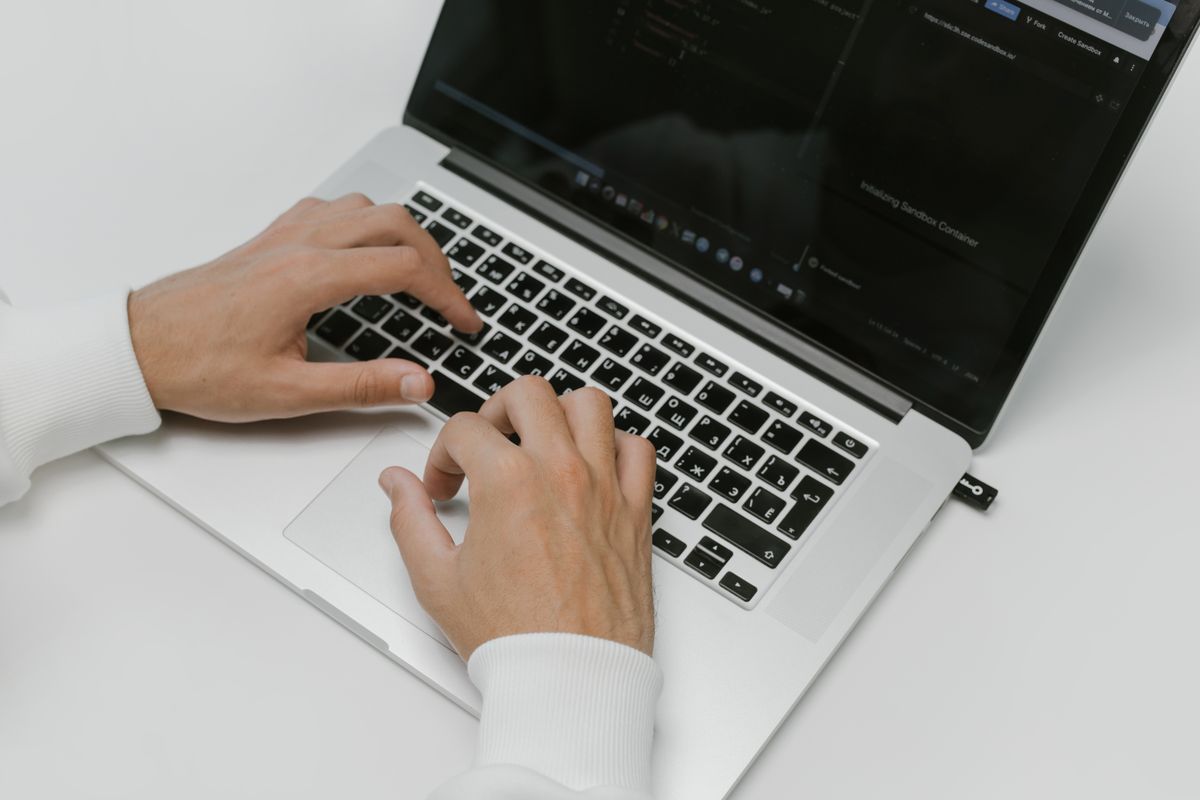
A single reused password can open your email, your bank, and your social accounts in one sweep, because one leak can unlock them all.
Many people reuse short passwords because they are easy to remember, or they keep the same one for years. That habit turns a small breach at one website into a much larger problem, especially when the same password also guards email, where password resets arrive.
Make Passwords Long and Random
Aim for at least 16 characters, and make each password different. A passphrase of four to seven unrelated words can be easier to remember than a short jumble of characters. Avoid birthdays, pet names, and other details that someone could guess from your social posts.
Use a Password Manager
A password manager can create and store long, random passwords for you, so you only need to remember one strong master password. Use the manager built into your device or browser, or choose a reputable one, and do not save passwords in a plain note or spreadsheet.
Turn On a Second Check
Turn on multifactor authentication, especially for email, banking, and social accounts. With this second check, a stolen password alone is usually not enough to sign in. An authenticator app or a security key is stronger than a code sent by text message when you have that choice.
Try This Today
Today, change your email password to a long passphrase and turn on multifactor authentication for that account.
More Ways to Live Comfortably
How to Create a Comfortable, Clutter-Free Desk and How to Make Video Calls Easier for Older Relatives both show how small technology habits can make daily life calmer and safer.
Sources: CISA: Use Strong Passwords.
Leave a Reply